MY X-T2 with meike battery grip, got is from shopee and the first order supplier bailed on me, cancelled my orders, due to no stock, or they priced too low. Well, add another rm10 get from another seller, goods arrived well packed and tested all works well.
Showing posts with label Camera. Show all posts
Thursday, March 11, 2021
manage to get this clip, very similar to PD, but way way more cheaper and build very nice, just that the screw for the tripod mount could be better, what will you say, those kind that can still turn when you screw in all the way.....hmm. those free running when you screw till the end type...well anyway, this one is a good one to have. Work good with the PD bags.
PD wannabe bag
despair between the real vs fake, PD is the name, for us around this region where the exchange rate at 4.0 to USD, it's not wise to have the real PD, although very tempted, for now this one will serve me for a while.
not a PD everyday sling, but still can sling. lol.
2021 Fujifilm X-T2
At first was fond of the design then makes me want to get this camera, to my surprise, the performance really outweigh many cameras out there.
Saturday, May 3, 2014
Nikon 18-55 3.5-5.6G II VR
Added one more lens to the family, due to traveling and looking for a small and light weigh versatile lens,
also got the Marumi DHG filters for protection.
As i seldom put on the caps, for convenience sake.
Ops not forgetting sandisk 16GB class 10 45mbit write card.
This card work really better that the class 4 in term of,
when you shoot RAW as burst mode,
it will only have slight delay when the buffer is full, unlike the class 4,
which we need to pause the shooting, for quite a long time, before resuming the shots,
which could be the moments have passed,
So it really well depends on what type if shooter you are.
Back to to the Nikon 18-55 VR G II.
What caught me is the lens barrel do not rotate when you focus,
this is really nice and not so much movement, and it is extremely quiet,
compare to my 28-300VR, where you can hear the clicking sound when you focus,
but no doubt the focusing is superbly fast.
It must be the nature on individual lens behavior.
All well said, stay tune for my next post after my holiday tour.
Thursday, March 14, 2013
2013 Godiva chocolate from wife
Would like to thank wifey, for bringing this back for me from Singapore.
Here I got a chance to test the 2 lens 18-55 vr and the 50mm 1.8d, guess which is which?
Wednesday, March 13, 2013
NIKON D5000
Nikon D5000 12mp , this shot was taken with D7000, Nissin Di622 , 18-55mm VR lens. Flash was set to manual full blast
Tuesday, March 12, 2013
2013 Playground - camera findings - tutorials
Today manage to have some micro time, to take a look and fiddle with the D7000, to my surprise there is still tons of functions that i have not yet understood or do I ever use them. No wonder I get unsatisfactory pictures most of the time. Now I know why this camera is rated so highly.
So, quick to the findings. As I browse around the Menu->Autofocus.
AF-S priority selection and AF-S priority selections - this are basically settings to tell the camera not to snap when it is not in focus, or just snap? Choose.
Now then this one below, remember we are still at Autofocus menu. Item *a3 - still wonder what those * for. So This one is really important.
This selection will determined the delays when you move your camera to point/focus at other place. For example, you are shooting at your girl friend and then there is another pretty girl at the back to you wanted to capture her, now there are 1 to 5 delays here and OFF. For OFF the camera will focus immediately when you half press the shutter button. For 5 - it will wait for 5 sec then it sill only focus. I choose OFF of course, as you do not want the pretty girl to get away, ya? Simple.
Still I have do idea why people would choose 5 for this? any tips?
Now, at a8 - LiveView/Movie Mode, you have 2 options here. Autofocus mode (AF-F and AF-S). The usage is simple, when ever you pan your camera while shooting video and wanted to have so called like camcorder, then choose AF-F ( full time servo) if you are shooting manual, then choose AF-S. But for me, I think better choose AF-S and manually focus, cos this is still not up to the camcorder standard. Not sure about Canon on this one, anyone care to share?
Then here also , there is AF-Area mode, where you can set Face priority, Wide Area AF, Normal area AF and subject tracking AF. Well i assure you that face and subject tracking will not work as you expected, as this is still a DSLR not a camcorder, if you need, go get GoPro 2 with 2048 pixel resolution.
So we are done with Autofocus, lets go to Metering/exposure
I'll like to talk about *b3 Easy exposure compensation mode (over written by (shooting/display -> *d3 ISO display and adjustment, Easy ISO). For me I tested and set it to ON. It will auto compensate the exposure whenever you shoot. If you dislike the amount you can goto b5 Fine tune optimal exposure, here you will be prompted, basically telling you that by the pressing of the 2 green button do not reset this area. Choose yes and you will see the menu to choose the amount of compensation for each metering (Matrix, Center and Spot.) So depending on your area, test it and set it, this will make shooting more fun.
Now under d Shooting/display, one thing here that I like to mention. it is the ISO display, this is to basically to let you see the ISO instead of your storage space. For me, I prefer to see the ISO, cos now the SD cards are affordable now.
With this I conclude my learning for now.
So, quick to the findings. As I browse around the Menu->Autofocus.
AF-S priority selection and AF-S priority selections - this are basically settings to tell the camera not to snap when it is not in focus, or just snap? Choose.
Now then this one below, remember we are still at Autofocus menu. Item *a3 - still wonder what those * for. So This one is really important.
This selection will determined the delays when you move your camera to point/focus at other place. For example, you are shooting at your girl friend and then there is another pretty girl at the back to you wanted to capture her, now there are 1 to 5 delays here and OFF. For OFF the camera will focus immediately when you half press the shutter button. For 5 - it will wait for 5 sec then it sill only focus. I choose OFF of course, as you do not want the pretty girl to get away, ya? Simple.
Still I have do idea why people would choose 5 for this? any tips?
Now, at a8 - LiveView/Movie Mode, you have 2 options here. Autofocus mode (AF-F and AF-S). The usage is simple, when ever you pan your camera while shooting video and wanted to have so called like camcorder, then choose AF-F ( full time servo) if you are shooting manual, then choose AF-S. But for me, I think better choose AF-S and manually focus, cos this is still not up to the camcorder standard. Not sure about Canon on this one, anyone care to share?
Then here also , there is AF-Area mode, where you can set Face priority, Wide Area AF, Normal area AF and subject tracking AF. Well i assure you that face and subject tracking will not work as you expected, as this is still a DSLR not a camcorder, if you need, go get GoPro 2 with 2048 pixel resolution.
So we are done with Autofocus, lets go to Metering/exposure
I'll like to talk about *b3 Easy exposure compensation mode (over written by (shooting/display -> *d3 ISO display and adjustment, Easy ISO). For me I tested and set it to ON. It will auto compensate the exposure whenever you shoot. If you dislike the amount you can goto b5 Fine tune optimal exposure, here you will be prompted, basically telling you that by the pressing of the 2 green button do not reset this area. Choose yes and you will see the menu to choose the amount of compensation for each metering (Matrix, Center and Spot.) So depending on your area, test it and set it, this will make shooting more fun.
Now under d Shooting/display, one thing here that I like to mention. it is the ISO display, this is to basically to let you see the ISO instead of your storage space. For me, I prefer to see the ISO, cos now the SD cards are affordable now.
With this I conclude my learning for now.
Monday, November 28, 2011
Nikon D7000 Firmware upgrade done

Completed upgraded my D7000 firmware with no problem, this picture was taken with IPAD2.
the process is simple.
1. format the sd card
2 copy the firmware into the SD card.
3. insert into the camera.
4. goto menu -firmware and select upgrade. OK.
Sunday, June 19, 2011
2011 camera cable release and ND grad filter

about this ND grad filter, I wanted to get the Cokin, but it is out of stock Nation wide, so I have to lower my expectation to this China made product, it comes in various names. but i still did not have the chance to test it out. will update you guys later.


As for this release cable, it is surely sure a no no for D7000, i also felt a liltle be returning this items to the shop, the shop owner is very generous that he replaces this twice, i mentioned twice, and the third time with another product that is less in amount and credited me the difference. Care to mention his shop at below later, Curious to know that is the problem, here, there connector is too tight for the D7000 usb port, apparently when I plug in the connector and try to pull it off, the metal piece is disconnected from the release cable USB port and stuck it at the D7000 usb port, huh, plyer is needed to remove it. So for you guys out there, never never get a Pixel brand for your D7000, it is meant for D90 and below. While I write this review, D7000 is going for RM2980.00 at this one month promotion, time to upgrade dude, get rid of your 98x view viewfinder and upgrade to this 100% view from the viewfinder. this is one hack of a feature, that makes me get the D7000.

so I have manage to get this filter tested. picture here is a shot without ND grad focusing on the sky, well balanced sky but the building is dark.

another shot focusing on the building, the sky is blowned out but the building is ok

this one with the filter and see all are pretty much balanced. So this filter is really a must for landscape shooting.
Wednesday, June 15, 2011
2011 Benro A350F tripod review


longing and wanted to get a tripod for my landscape photography since a year ago, now after a tedious survey on the net and going to the shop, to check the ergonomics, the weights, the functionality, the features, the material, design and the price (least concern), why I say that, well today there is like 10 reputable brands the provide credible tripod for customers, but 9 out of 10 are all made in CHINA, so the prices a almost similar, will be small different of rm100-rm200. and for me, the size, ergo and weight is what matters to me.
Sorry about the delay in completing this review, as out babies started to cry half way, so now i continue, well, an extra feature compare to the most reputable such as Manfrotto, i review the MK394 and find that it is not so suitable for me, it is heavier, and the center locking mechanism is not locking properly, I believe by this time manfrotto should be have a lot of complaint, and hopefully, they will improve this, so back to Benro, this one is really impressive, as mentioned below
1. the quick release please is adjustable for panoramic and balance your lens if it is a long lens, and it is securely locked on.
2 .the screw type center locking mechanism is really locked on.
3. the material used in good and nice finishing.
4. there is also a free hooked included.
5. the weight is better at 1.6kg, but feels lighter that manfrotto MK394.
6. build in balancing and a compass, phew!.
7. leg can be set to 24,55,80 degrees.
8. center column lock is good and tight.
9. on sale.
cons:
1. i prefer the leg adjust mechanism of the velbon.
here, i complete my review, so hope you all can consider then looking for tripods.
Thursday, April 28, 2011
Process to upgrade the firmware of my Nikon D7000
Today finally I decided to upgrade my nikon D7000 for no apprent reason, just that it is recommended, I have no problem so far with the my D7000.
well here is the thing, it is so smart, it will not, i repeat it will not perform the upgrade if your battery is detected to be low. So, I have to charge my battery, so ...now waiting. :).
This is a simple yet a cost that you pay for having a well thought product from reputable company.
For firmware update, please visit Nikon USA for more details
well today too, I just read that there is a Nikon club that you can join at http://nps.nikon.com.my there requirement is that you need to have 2 nikon body or 3 nikon lens purchased locally here in Malaysia ( not grey set) then you can proceed to register. For now, I still did not have the time to browse the sites yet, soon to do that. For now I still not qualified to become a member yet, since I only have 2 lens, need to get another one, any recommendation?
9.40pm, after putting my babies to bed, then finally the battery is charge and have the time to mingle with it.
it takes 3+ minutes to perform the upgrade and the basic instructions below
For now my D7000 firmware is
A:1.02
b:1.02
L1.002
Done.
well here is the thing, it is so smart, it will not, i repeat it will not perform the upgrade if your battery is detected to be low. So, I have to charge my battery, so ...now waiting. :).
This is a simple yet a cost that you pay for having a well thought product from reputable company.
For firmware update, please visit Nikon USA for more details
well today too, I just read that there is a Nikon club that you can join at http://nps.nikon.com.my there requirement is that you need to have 2 nikon body or 3 nikon lens purchased locally here in Malaysia ( not grey set) then you can proceed to register. For now, I still did not have the time to browse the sites yet, soon to do that. For now I still not qualified to become a member yet, since I only have 2 lens, need to get another one, any recommendation?
9.40pm, after putting my babies to bed, then finally the battery is charge and have the time to mingle with it.
it takes 3+ minutes to perform the upgrade and the basic instructions below
Basic Upgrade instructions: for detailed instructions, see pdf files below.
- Download the application below, and either click Save to save the executable file to your computer or Run to autoexpand the file into the D7000Update folder, which contains the D7000_0102.bin file.
- Format an approved SD card in the camera
- Use an SD card reader and copy the D7000_0102.bin file to the top level of the card and outside of the DCIM folder.
- Insert the SD memory card containing D7000_0102.bin into the camera's memory card slot 1, and switch on the camera.
- Select Firmware version from the setup menu and follow instructions displayed to upgrade the camera’s firmware.
- DO NOT turn off the camera until the instructions indicate it is safe to do so. After the firmware is completed, switch off the camera and remove the SD memory card.
- Switch on the camera, and access the Firmware version item in the setup menu to confirm that the camera's firmware has been upgraded. After confirming the firmware has been upgraded, switch camera off, WAIT 5 SECONDS before doing anything. re-insert SD memory card.
- Format memory card in camera for use.
For now my D7000 firmware is
A:1.02
b:1.02
L1.002
Done.
Monday, January 31, 2011
D7000 various exposure.


for this tips, i recently found out, the P mode seems not to work well on this wide contrast situation, I overcome with using manual mode and controlling the aperture. as you can observe that some of the pictures are better and more realistic. all this taken with build in flash on.
go out and try....feedback if any.thanks.
Thursday, December 16, 2010
D7000 user guide.
Recently with the birth of our new babies, I did not manage to have the time to poke around the D7000, I just got this camera 1 week before the new born, So pretty much thought that this is about the same as D80, just with 100% view finder (this is nice, easier to compose). Here is what I recently found out,
Color Temperature Fine Tuning.
Under menu -> camera icon -> white balance. Every choice here can still be fine tuned. Just be at the selection e.g Tungsten, then right arrow key, you will enter the menu, from there select the point and test shoot to your liking. Amazing.
Further reference on nikon D7000 manual pg119.
For me I prefer to set it this way, at the AUTO go to the palette and choose M1. Save it to your U2 slot. This will help to remove a bit of bluesih tint on your photos to make it more real.
Creating Custom Picture Controls
D7000 allow you to create up to 9 picture controls. Picture controls are those types of settings e.g Standard, Neutral, Vivid, etc. but I doubt we seldom use. :D
Active D-Lighting - just set to Auto.
Color Temperature Fine Tuning.
Under menu -> camera icon -> white balance. Every choice here can still be fine tuned. Just be at the selection e.g Tungsten, then right arrow key, you will enter the menu, from there select the point and test shoot to your liking. Amazing.
Further reference on nikon D7000 manual pg119.
For me I prefer to set it this way, at the AUTO go to the palette and choose M1. Save it to your U2 slot. This will help to remove a bit of bluesih tint on your photos to make it more real.
Creating Custom Picture Controls
D7000 allow you to create up to 9 picture controls. Picture controls are those types of settings e.g Standard, Neutral, Vivid, etc. but I doubt we seldom use. :D
Active D-Lighting - just set to Auto.
Monday, December 6, 2010
D7000 ISO sample picture

ISO 6400

ISO 0.7EV over 6400

ISO 1EV over 6400

ISO 25600
this image is directly out from D7000 as jpg, just resize.
I am sure pro will process it with NEF that will produce much more clean picture. For me, it is fine with just these jpegs.
2010 The last of my D80

This the last shot of my D80 before letting it go in the shop, kind of miss this guy, it has serve me will without fail. Reliable as ever. Really not willing to part with it, just that I need some $$ to upgrade to D7000. :(
Saturday, December 4, 2010
2010 Nikon D7000

A little comment on the box, it seems to be smaller that my old D80, some place to cost cutting perhaps!!.

yes you ca see there is HDMI ports, USB, and one more TV and audio, drawbacks, there is no HDMI cable that comes in the box :(

top view

U1 U2 Mode, excellent, Canon we are coming for you!!

Dual card slots, that support the latest SDXC cards.

screen 3", nothing special.


Finally, my Nikon D7000 have arrive after ordering it for almost 2 weeks. Got so nervous as I need this to take photos of our babies, very very soon to be born to the world. :D.
More of this review can be found at http://www.kenrockwell.com/nikon/d7000.htm
Nothing more I can say much, but the picture quality is very very impressive. Better that my old Nikon D80.
Will post more later..so from today, most of the pictures here will be from D7000. Nice!
Here is some simple specification to compare while doing some survey.
1. View Finder = 100%
2. Pixel = irrelevant
3. ISO =25600
4. Cards=SDXC = still expensive at this point.
5. LCD= 3 in. Nothing special
6. Memory Recall.
7. Shutter= 1/8000
8. Two SD card slot
9. Magnesium body with weather seal.
10. Weight (body only): 690g
If you need more, please visit: http://www.dpreview.com/reviews/nikond7000/
Saturday, November 20, 2010
Nikon is about space technology
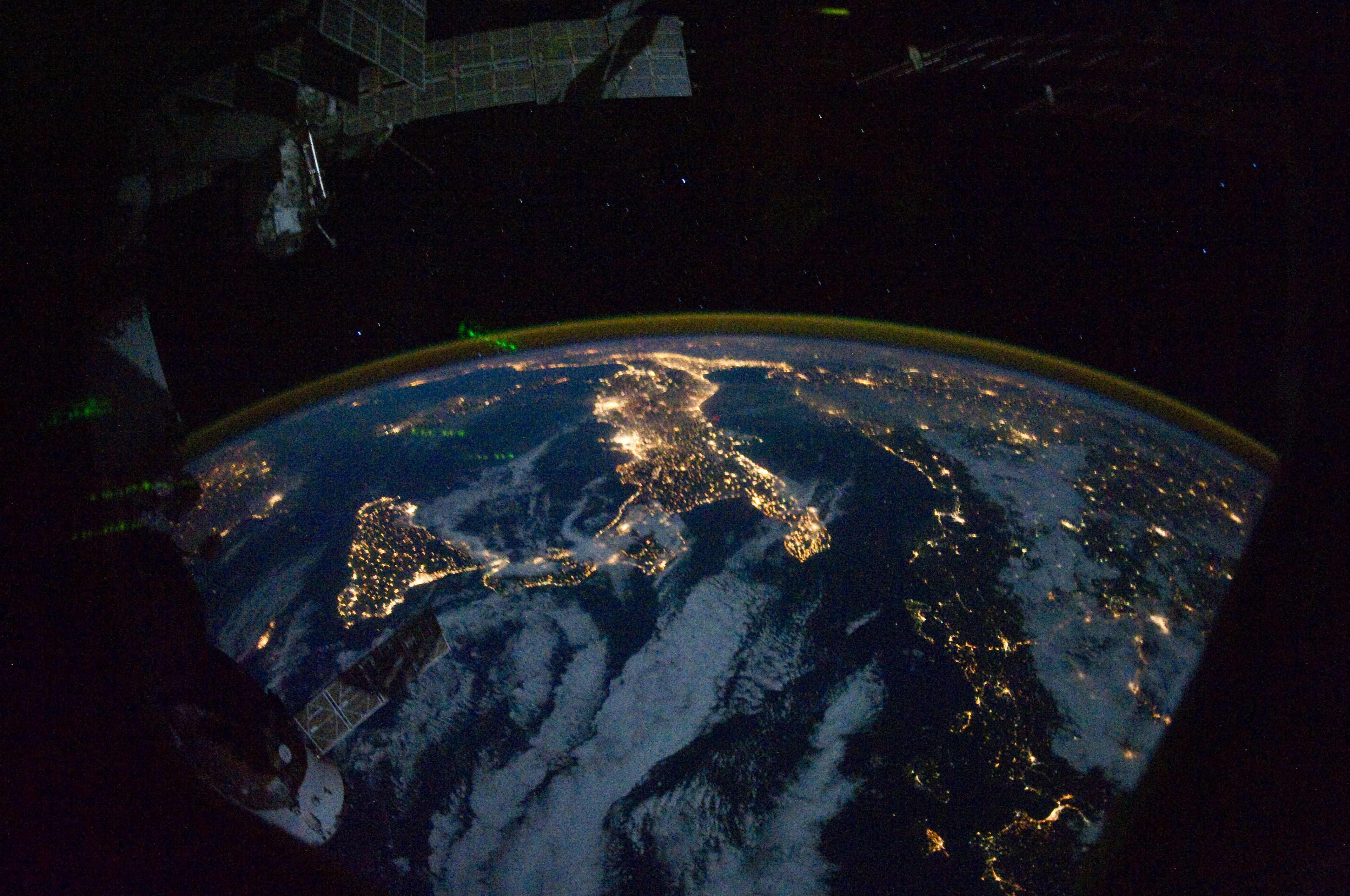
Found this nice link from nikonrumors.com and makes we wonder how fortunate that we can owned a piece of space technology check it out
Nikon D3S, 16mm, f/2.8, 1/4 sec, ISO 51200 here
Thursday, November 18, 2010
OUTDOOR PHOTOGRAPHY - Galen Rowell's

Yippy!, this book just travel 10000 miles to reach my hands, I ordered this from www.bn.com (barnes&nobel) which I always use, although amazon is a lil cheaper, still trust www.bn.com. Actually it is, I actually made a mistakes in my shipping postcode and it arrives safely here. Like to thank all the postal services whom actually manages this delivery.
started reading this up to page 30. Soon, will let you know the outcome of this book, until now, very interesting..not very technical yet at this moment.
Subscribe to:
Posts (Atom)